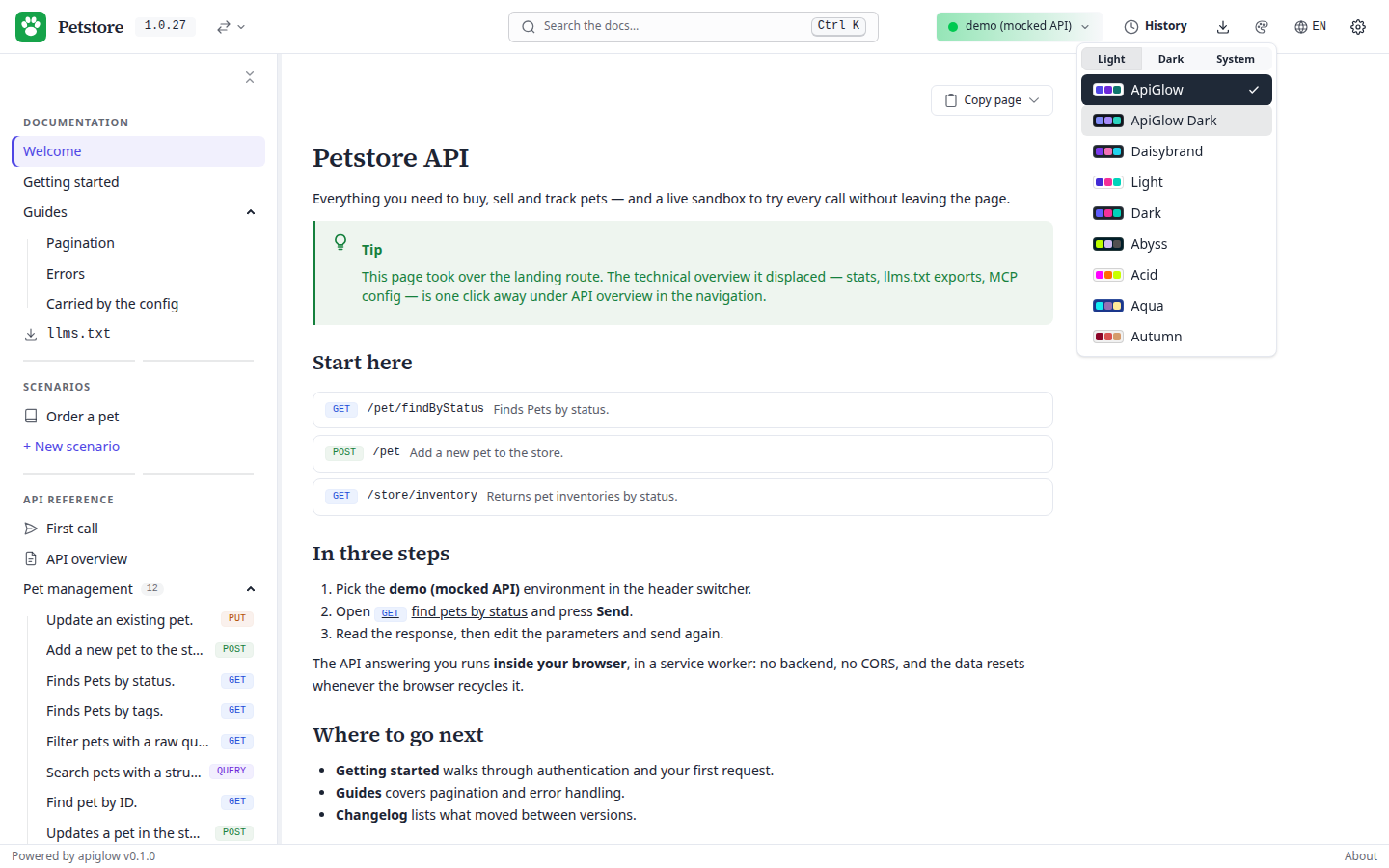
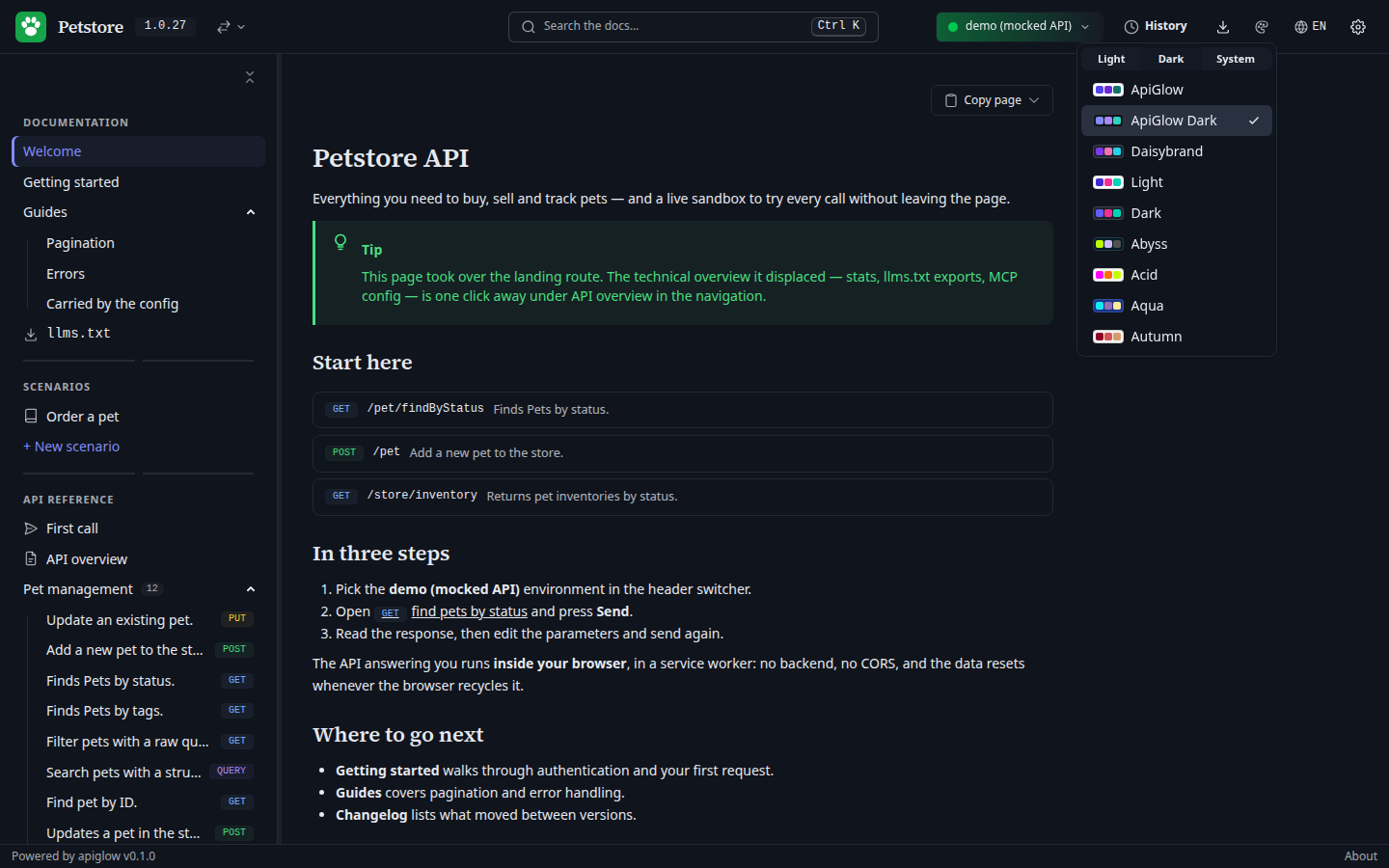
All 35 standard daisyUI themes ship in the CSS — offering one to your readers costs a line of config. Your own brand theme is a handful of tokens in the same config, generated at boot: no CSS pipeline, no rebuild, no fork.
demo.apiglow.dev/#/overview · petstore.yaml
REAL SCREENSHOT, SHOWN AT 1:1
01
35 themes, one list.
theme.default picks the first-load theme, theme.available the ones offered in the selector — edit the list, no rebuild. The reader’s choice persists in their browser and takes priority from then on.
[01]THE THEME MENU, 35 ENTRIES DEEP02
Your brand theme, pasted in.
theme.custom declares your own themes: a name, optionally extends any built-in theme — “dark, but in our colors” — and daisyUI 5 tokens under their verbatim names, so the output of the daisyUI theme generator pastes straight in. An unknown token or an invalid value is skipped with a console warning; a broken theme never breaks the page.
Prefer zero config? Declare a [data-theme="acme"] CSS block in your host page and list acme in available — same result, your stylesheet.
branding.productName and branding.logoUrl put your identity in the header; branding.footerLinks adds your legal notice, contact or status page to the footer bar. In a multi-spec portal each spec can rebrand and retheme individually — except theme.custom, which stays at the root, since themes are injected once at boot. Your readers keep their theme while they work in the try-it console; snippets and forms follow it like everything else.
04
The About dialog stays.
The small “Powered by” line and the About dialog cannot be removed — deliberately. A CDN install ships no README, LICENSE or NOTICE file, so that dialog is the only place where the bundled open-source components’ license notices reach your users. It is the license-notice guarantee that makes the MIT install clean; everything else rebrands.